

For maintenance vendors
Get quote requests that match your trade and area
Property and HOA managers send requests only to vendors that cover the service and the building's ZIP code. You open the link, review the job and send your quote from your phone.
Quoting shouldn't cost you time or money
Leads that don't fit
Lead lists send you jobs outside your trade or far from the areas you serve.
Another portal to learn
Each property manager asks you to sign up for a different portal before you can quote.
Fees just to bid
Some platforms charge you to quote or to upload paperwork before you win a single job.
How PropConnect works for vendors
No portal and no fee to quote.
Get the request
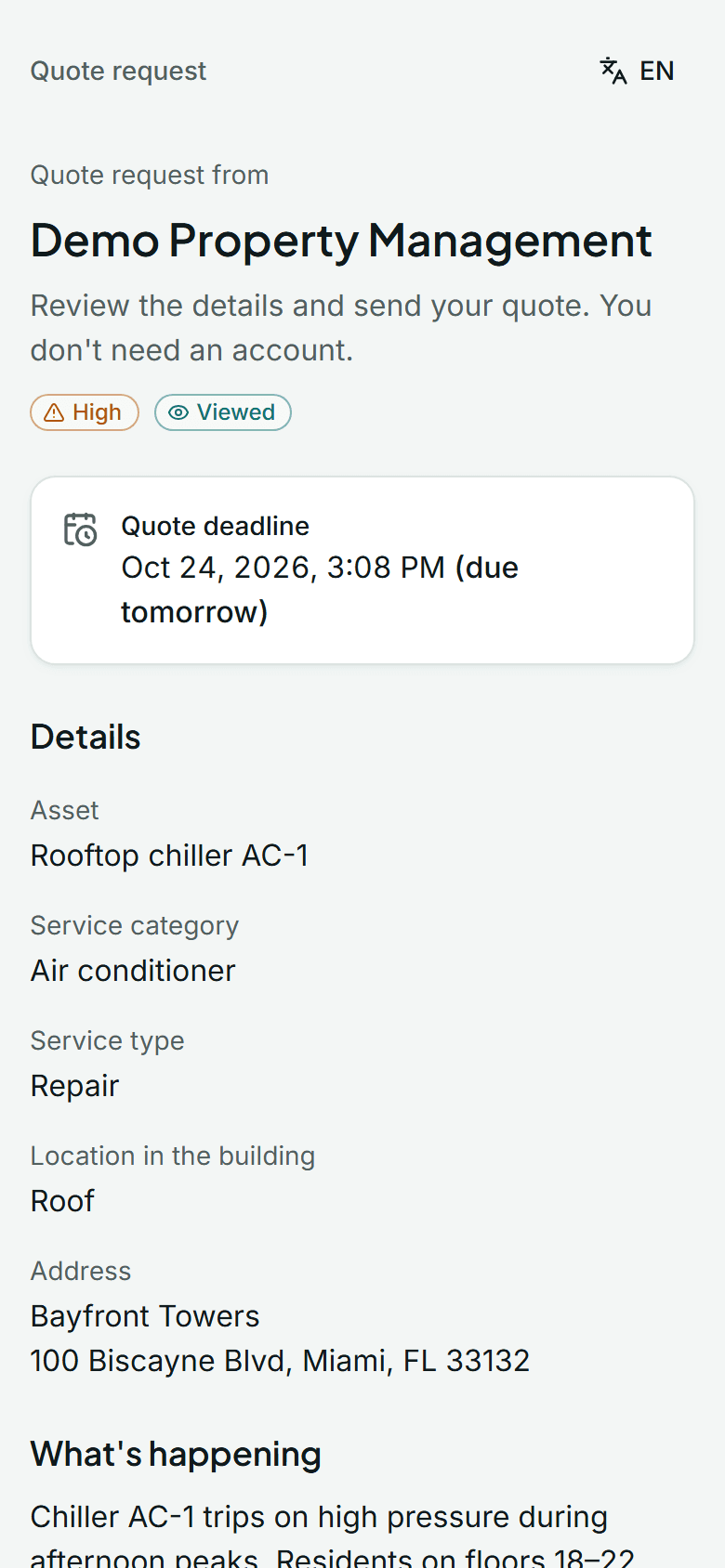
You receive an email with the asset, the issue, photos, the urgency and the deadline.
Open the link
Review the job from your phone or computer. No account and no password.
Send your quote
Enter the total, timeline, validity and terms, or attach your PDF quote and let AI prefill the form for you to check.
- Only requests for your service categories and the ZIP codes you cover
- Requests and quotes in English or Spanish
- A free vendor account to see all your requests and quotes in one place
Plans and pricing
- Quoting from a request link is always free, and so is the vendor Free plan.
- Paid vendor plans from $49/month.
Frequently asked questions
Do I have to pay to quote?
No. Quoting from a request link is always free, and the vendor Free plan costs nothing.
How do I start getting requests?
Create a free vendor account with your service categories and the ZIP codes you cover. Once your account is approved, managers see you when a request matches your trade and area.
Can I quote without an account?
Yes. When a manager sends you a request, the email has a private link to quote without signing up.
Can I attach my own quote?
Yes. Attach your PDF quote and AI can read it to prefill the total, timeline and terms. You review everything before you submit.
Start free today
Create your account in a few minutes. Your account is reviewed and approved before you start.